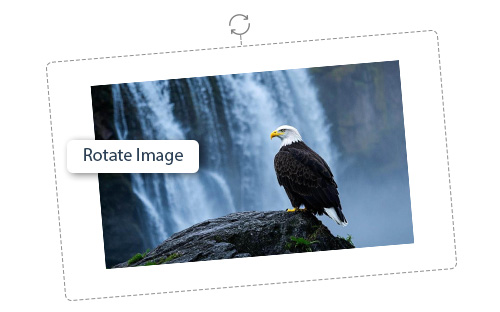
How to Rotate an Image Online?
1. Upload Your Image: Click on “CHOOSE IMAGE” and select an image.
2. Select Rotation Angle: Click on the rotation orientation, i.e. counterclockwise or clockwise rotate. Afterwards preset angles (90°, 180°, 270°) according to your needs.
3. Real-Time Preview – Instantly see how your image looks after rotation.
4. Keep Quality Intact – Rotate images without losing resolution or clarity.
5. Download: Get your rotated image in high quality.