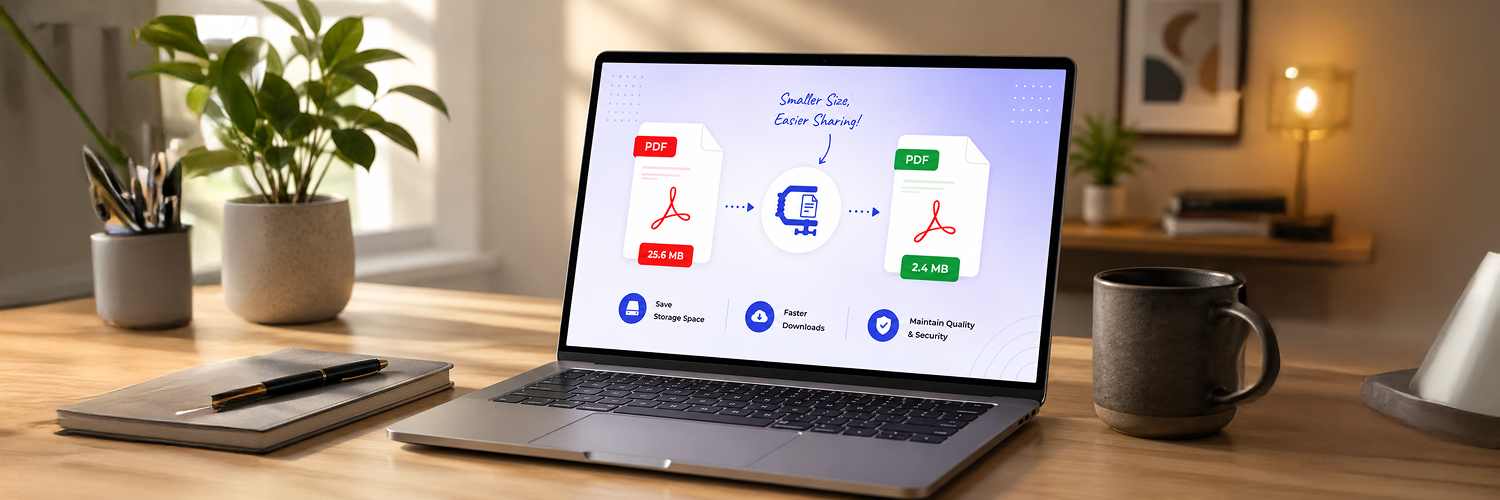
PDFs are one of the most popular file types used for sharing information. As they look the same on any device or operating system, they are highly reliable for both work and personal use. However, as PDFs have more images, high-quality graphics, and unique fonts, their file sizes can become larger.
Big PDF files can cause a lot of issues. They take up too much storage space, take longer to download, and are difficult to share via email, instant messengers, or online forms. In fact, many email providers and websites have strict size limits that will block you from uploading or sending large documents altogether. To fix this and make sharing quick and effortless, using a free PDF compressor online tool is often the easiest solution.
Why Large PDFs Hold You Back (And How to Fix It)
With the increase in use of digital documents, PDF files are often sent as attachments via emails, uploaded on cloud servers, posted on websites, and shared using messaging applications. Even though PDF files are ideal for maintaining consistency in formatting in a document, there is a potential drawback with large PDF files, which include taking more time to upload, wasting storage capacity, and even exceeding file size limits stipulated by email services and online submission forms.
Compression of PDF files helps ensure that files are easier to share and access while at the same time making it faster to transfer the files from one computer system to another.
Large PDF documents can cause several issues:
1. Slow Upload and Download Process: Large files use up more bandwidth; thus, uploading and downloading processes are usually lengthy and tedious. Compression of PDF helps to minimize the time needed to upload and download the file.
2. Email Attachment Restrictions: Most email services impose certain restrictions concerning the maximum size of the attached files. Compression allows for easy sending of important documents by overcoming such restrictions.
3. Increased Storage Needs: Larger PDFs take more storage memory in terms of computer hard drives, mobile phone memory cards, and other storage devices like cloud services and business servers.
4. Slow Page Load on Mobiles: Large documents are harder to open and download when viewed on smartphones and tablets; thus, their loading takes longer time. Smaller PDFs help to avoid delays when viewing documents on mobile phones.
5. Slow Page Load When Hosted Online: When large PDF files are uploaded on websites, page loading times are affected, which results in increased bounce rate of visitors.
Understanding What Makes PDF Files Large
A PDF can actually be quite a bulky file depending on the contents that are included within it. Even though the PDF is meant to be a universal type of file and relatively compact, there are particular components that can make a PDF bulkier than intended. It would therefore be helpful to learn more about some of the aspects that contribute to such file bloat in order to figure out how you might go about optimizing them.
Several factors can increase PDF size:
1. High Resolution Images: The images tend to be the largest parts of a PDF file. Any document that has any form of picture will take up too much space because each one holds too much information. While high resolution images are good in their own way, they tend to increase the file size tremendously when embedded into the PDF.
2. Font: Fonts can be very large especially if the PDF uses a lot of custom fonts or embeds all font families within the file. The number of fonts determines the size of the final PDF document.
3. Scanned Documents: Unlike the regular PDF, any document that has been scanned takes the form of an image. This means that every page of a scanned document will take up a lot more space than a normal PDF because it needs to be high quality enough to be useful.
4. Interactive Elements: The interactive elements like videos, animations, forms and other multimedia files tend to add to the file size.
5. Metadata Overload: PDF documents may contain invisible data such as file properties, authors' names, editing records, comments, annotations, bookmarks, attachments, and much more. Even though this data is not always obvious to the user, it can add unnecessary bulk to the file size.
Easy Ways to Compress Your PDFs for Free
Having large PDF files may complicate the process of sending documents since there will be an issue related to the limited number of attachments that one can send via email, slow connection speeds, or even restrictions in terms of uploads at certain sites. Thankfully, there are numerous easy ways of shrinking your PDF files that won't affect the quality of the document itself.
1. Compress Your PDF Using Online Tools
The simplest way to compress your document is using a PDF compressor. Such applications take care of optimizing pictures, stripping away useless information, and decreasing the size of the document for you. Typically, online PDF compressors do not necessitate technical skills on your part, and thus, are the most suitable option for individuals looking for quick results.
Some advantages include:
No installation of additional programs necessary
Can be used from any device
Quick compression
Easy-to-use interface
2. Resize Images Prior to PDF Creation
In case you plan to create a PDF from images, it is recommended that you first make sure that your images have been sized down or optimized. Due to the fact that images tend to be one of the heaviest elements in a PDF file, shrinking their size before embedding them will help reduce the final output size of the file.
Advantages:
Reduced file size of resulting PDF file
Faster creation of the document
Enhanced site and SEO performance
3. Remove Unnecessary Pages
Read through the document and remove any pages which are no longer required. PDF files usually have some extra pages which can either be duplicates of other pages, drafts, or just any page that is not required at all. Deleting such pages will make the file smaller and more organized.
It is very helpful for:
Draft documents
Documents having an appendix
Merged documents
4. Save PDFs with Optimization Settings
Most PDF editor software provides optimization tools that help compress PDF files at the time of saving. This feature enables the reduction of the PDF file size by decreasing the image resolution, optimizing fonts, and removing metadata from the file, which might not be essential in the finished document. This technique is highly recommended for professionals who use documents with a high level of professionalism.
Some typical optimization settings include:
Reducing image resolution
Optimizing fonts
Deleting metadata
5. Use OCR to Change Image PDF Files
OCR is an acronym for optical character recognition. The main advantage of OCR technology is that it is used to change image text into search text. It is important to note that scanned PDF files are usually created using images and therefore have large sizes compared to text PDF files.
Benefits:
Smaller file size
Increased accessibility
Search ability
Best Practices for Compressing PDFs
PDF compression is not merely the process of reducing a PDF's file size but involves striking the proper balance between reducing file size and keeping the content clear and readable. The over-compression of a PDF can cause it to be difficult to understand since it could contain blurry images and difficult-to-read text. However, by applying some tips, you can compress your PDF documents without losing quality.
How to Compress Your PDF Properly:
Keep It Readable: If you want to compress your PDF, always consider maintaining its readability. Though the compression process can lead to significant reductions in file size, it can also result in unclear content and images that look like low-resolution graphics. As such, a properly compressed PDF should retain its professional presentation as well as readable text and graphics.
Image Optimization: The images in a PDF document usually consume the maximum space. Compression and resizing the images before embedding them in the document will help save even more space compared to when you try to compress the PDF after embedding the images. This ensures that your file is light-weight and can be shared easily over the internet.
Appropriate Resolution: Having the right resolution is vital as it affects file size greatly. For the purpose of creating a digital document, a resolution of 150-200 DIP is sufficient. Anything more than that is only important for printing purposes. It helps to cut down on unneeded information and keeps a clear viewing environment.
Eliminate Unnecessary Components: PDFs may have several components such as invisible layers, extraneous objects, notes, form elements, and unnecessary files attached which do not add value but make the PDF bigger. These can be eliminated to ensure that the PDF becomes more efficient after the process of compression.
Perform a Test Run: It is always advisable to test any PDF document you have compressed before sending it to the intended recipient. This will involve opening the PDF and ensuring that all its components such as links, images, text, formatting, and any other element is displayed effectively.
Frequently Asked Questions
The issue of the size of compressed PDF documents is quite common among users. Some people wonder if such compression will not deteriorate the document or cause security issues. Read on to learn more about the questions people ask about PDF compression online.
Q. How to reduce PDF file size for free?
Answer: If you want to reduce your PDF files online, there are many services that will allow you to do this for free. Such online services compress PDF files through image optimization, removal of unnecessary data, and other techniques that will help reduce the size of your document. All you have to do is upload the file on the website and start the process. The best part is that you don't even need to install any specific software.
Q. Will PDF compression affect quality?
Answer: It depends on the extent to which you compress your file. Generally speaking, if you compress your PDF file a little, you will still enjoy good quality. Your document will have clear texts, and the images will be visible. However, excessive compression will reduce image resolution.
Q. Is it safe to compress PDFs on the web?
Answer: Yes, it is relatively safe to compress PDF files online provided that you choose a reliable and trustworthy PDF compression tool that employs safe file processing and permanently deletes any user-uploaded files. Before uploading personal documents online for file compression, it makes sense to familiarize yourself with the terms of service to guarantee that your data will remain private.
Q. How do you compress scanned PDFs?
Answer: Scanned PDFs tend to be huge since each page of the document contains an image. To optimize scanned PDFs and compress them effectively, you need to merge the process of optical character recognition with image compression. This will help convert images into readable text format and considerably minimize the file size.
Q. Is it possible to compress PDFs using mobile phones?
Answer: Of course. Nowadays, most PDF compression applications are based on the Internet and therefore are completely compatible with smartphones and tablets. Thus, it becomes possible to load, compress, and then download your PDF file right from your mobile browser without downloading any additional programs.
Read More: Simplify Your Workflow with Free PDF Conversion Tools
Conclusion
The compression of the PDF files to reduce the file size is among the simplest means of enhancing the sharing, storing, and accessing PDF documents. Be it through email attachments or any other online platform for document storage and distribution, compressed PDF files are more effective. Through the use of a trusted PDF compressor and optimal strategies such as the removal of non-essential contents, optimization of images used, and the application of the correct compression parameters, file sizes can be effectively reduced.
Even better outcomes may be obtained from optimizing the images used prior to PDF creation. With applications such as the Resize The Image, the process is made easier by compressing both dimensions and file size of images without necessarily reducing their quality. The result is a more compact PDF file which is also easier to create.