In today's digital age, the way an image is presented is of high importance in content creation. Whenever someone is creating their posts on social media pages, designing their websites or other content-related activities, image alignment is highly significant. If the image is not in correct alignment, it will adversely affect the overall content.
Users who have Instagram, blogs or other websites may be interested in correcting the alignment of their pictures. There might arise times when users need something quick and efficient. Rather than installing software that requires lots of downloading and installation, many people have opted for free online services to edit photos.
A Flip Image tool is such an online application where the user can align the picture easily. This tool provides picture editor free options that enable easy editing and save time and energy for the user.
The Secret to Mirror-Perfect Images: Flip Image Tool Explained
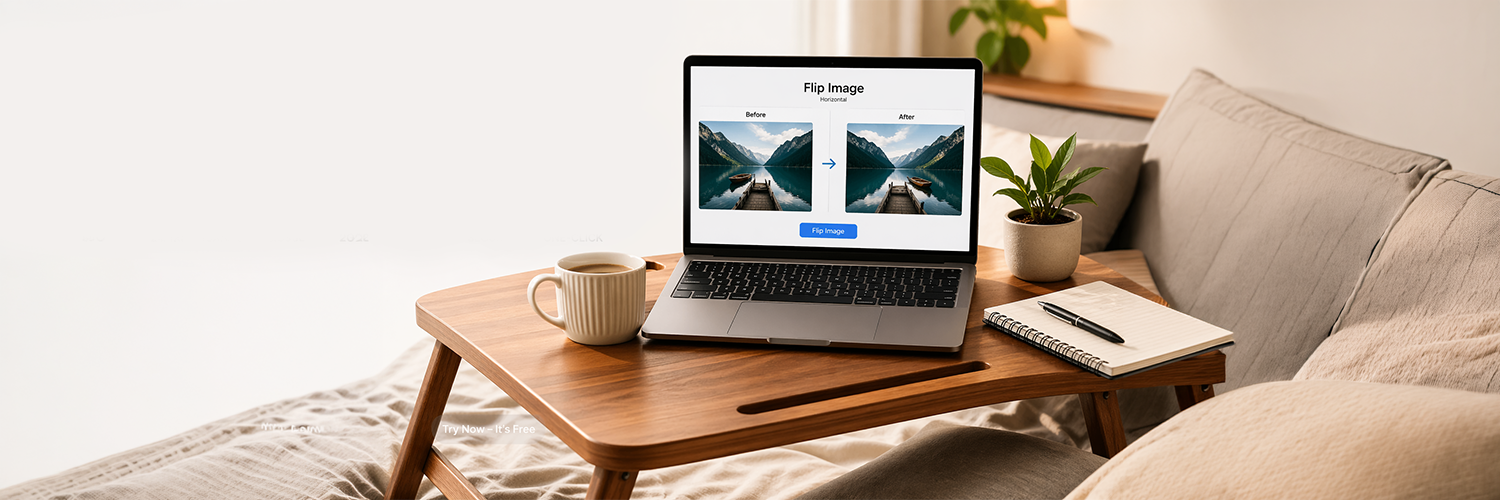
The Flip Image tool will help you mirror your image horizontally or vertically. When your picture is flipped horizontally, it becomes a mirror image from the left side to the right, but flipping your picture vertically will make it a mirror image from the upside down. It will definitely enhance your image appearance.
It should be noted that flipping is quite different from rotating an image. Flipping just mirrors an image, while rotating simply changes its angle. These two terms should be clearly understood to select the best tool for editing.
In real life situations, image flipping can prove itself quite useful when making corrections on the angle at which the photo was taken or composing any other elements for design purposes.
Why is Everyone Switching to Online Photo Editing Tools (You Should Too!)?
The use of online editing software has gained significant popularity because of the benefits they offer. The main advantage of using such software is that you do not need to install any application.
One more advantage of these applications is that they are compatible with all devices, whether it be computers, tablets, or mobile phones. This makes it possible for people to make changes to their photos at any point in time and anywhere.
No Need to Install: Online editing tools has become popular because you don’t need to download or install anything. You can use the web-based photo editing tool directly through the browser. This can come in handy for people who work with multiple devices or who do not have enough system capacity to handle additional software.
Workable Across All Platforms: Another significant advantage is the ability to work across all platforms. These applications work seamlessly on both computers and mobile phones, making it possible for one to edit an image at any place and at any time irrespective of the type of device they have.
Time-saving: Time saving is another benefit of using online tools. Rather than having to spend time learning how to use complicated applications, you can do everything within seconds. Everything is quite simple and easy to use, making it possible to flip or crop pictures effortlessly.
The Easiest Way to Flip an Image Online: Step-by-Step Guide
Rotating your picture online is a quick process that works perfectly fine without any special skills needed. With the help of free web-based software designed for picture editing, you will easily fix the image orientation issue with just a couple of clicks. If you need to turn your picture around or prepare it for publication on social media platforms, you can easily do it using the editing tools provided by the software.
Upload the Image: As the first step, you will need to upload your picture. It can be done either by dragging and dropping the file on the upload area or opening the application to browse the files on your computer. In most cases, the image should be in JPG or PNG format, but it will not create any difficulties while working with the program.
Flip Your Picture: Now that you have done that, you may proceed to select one of the two types of flips: horizontal or vertical. That will enable you to turn your image and flip it if necessary.
Preview and Modify Your Image If Necessary: Once you choose the required type of flip, the application creates a preview of the flipped picture. Thus, you will be able to see right away how your picture changes after the adjustment and ensure that everything was done as intended. It will take you no time to make necessary modifications since you won’t need to do anything again.
Your Picture Is Ready: Once everything is done, and you are happy with the result, download the processed picture. Your image is ready to use! In addition, there is also an opportunity to resize your picture and make other adjustments.
Flip Images in Seconds: Why Online Tools Make It So Easy
There are various reasons why one should use the online Flip Image software. One major benefit is the fast processing. The software provides instant changes to your pictures with no need for software installations or long loading times. These online editing platforms are suitable for beginners. The software has user-friendly features and intuitive interfaces that make the editing of pictures easier even for those who lack experience in using computer-based applications.
Instant Editing: Most online platforms are designed to provide instant editing and results. There is no delay caused by software installation and file processing. Instead, it provides instant flips to the image uploaded, making the editing process faster.
Simple to Use by All Types of Users: These software applications are crafted to be user-friendly and can be accessed by anyone regardless of their technical skills. You don’t need to be an expert in programming or previous editing skills to use the image editor online platform. With well-labeled features and easy steps to follow, everyone can effortlessly turn around and edit images.
Installation Not Needed: Another benefit is that these applications are completely web-based and can be used in your internet browser. You don’t have to install any heavy software on your computer, thus saving storage capacity on your device. Moreover, you don’t have to worry about software upgrades, incompatibility problems, or technical requirements.
Rotate or Flip Your Image? Here’s What You Need to Know
Knowing the distinction between flipping and rotation is crucial in image editing. Flipping refers to the process of creating a mirror image of the picture, whereas rotating refers to changing the orientation of the picture. For instance, if a picture looks like its opposite or if it needs to be adjusted in terms of alignment, then flipping would be appropriate. In contrast, if a picture is rotated at an unusual angle or inverted, then rotating the picture would be ideal. It will ensure the desired effects on your image editing.
Flip Image
Mirror Effect Creation: By flipping a photo, one gets a mirrored version of the image, which could be done either horizontally or vertically. What this means is that the left side becomes the right and vice versa or the top side becomes the bottom side and vice versa, just like when looking into a mirror.
Best Choice for Alignment Fixing: For those who have pictures that appear to be upside down like in selfies or scanned documents or images having backward text, Flip Image is the best solution. There is no need to take pictures again as flipping instantly fixes everything.
Keeps Everything in Place: Flipping does not alter the placement or the angle of any objects present inside the image; rather, it only mirrors the objects. Hence, the layout remains unaffected.
Rotate Image
Orientation Changes of the Image: Rotation allows for a change in the orientation of the image. This means that the user is able to rotate the image at 90, 180, and 270 degrees. It is important to ensure that any wrongly oriented image can be aligned properly through rotations.
Fixing Tilted and Inverted Images: Fixing Tilts and Upside-Down Images: When an image has been inverted or tilting, rotation may be used to fix such problems. This is due to the fact that rotation allows users to correct orientation problems for any images taken using cameras that cannot sense the orientation of the image taken.
Affecting the Layout of an Image: Rotation affects the layout of images differently compared to flipping. This occurs especially when the layout changes from vertical to horizontal.
Tips for Better Image Editing
To achieve optimal outcomes from your edits, you should consider following some useful guidelines. It is necessary to preserve a backup copy of your original picture to allow reverting your changes if required, ensuring no data loss throughout the editing process. Additionally, selecting an appropriate orientation is key, as any mistakes in this aspect could have an impact on the final appearance of your picture.
Best Practices for Image Editing
Maintain a Backup of the Original Picture: Always ensure you have a backup version of your original file saved before proceeding with the editing process. Such an approach will enable you to return to the original version if the edited one does not meet your expectations. Having a backup will allow you to experiment with various styles of image editing without compromising the integrity of your original picture.
Verify Your Image Orientation: Ensure you check the orientation of your image before finalizing your edits. Checking the orientation will give you an opportunity to notice if your picture needs flipping or rotating, among other modifications.
Maintain High-Quality Images: Refrain from editing your images excessively because it may cause a decrease in their clarity and resolution. You should use high-quality free photo editors that will not deteriorate the quality of the pictures despite applying any changes. Minimal and accurate edits will help you achieve the desired results without losing anything.
Apply the Best Tool for the Job: Various types of edits may require the application of specific tools. For instance, to create mirror effects, you should apply a Flip Image tool. Other tools may be useful for cropping or making additional modifications to the picture.
Tailor Your Images to Various Formats: Every platform requires images of a particular size. Once the edits are applied, you can adjust the size of your picture to match the format of the required platform.
Read More: Rotate a Photo in Seconds: Simple Ways to Flip and Adjust Images Perfectly
Conclusion
A Flip Image utility is indeed a handy and efficient method to improve the position of the image in question. Whether you are dealing with social media images or those which need to be posted on a website, such a software will allow you to achieve the perfect result with only a few mouse clicks. This makes it unnecessary to use expensive and complicated programs as there are many free photo editing sites available at any time.
Indeed, the rapid development of the Internet resulted in the emergence of many great online tools which simplify and speed up many operations including Resize The Image. By using a picture editor free online site, you are going to make sure that you do not have to spend much time performing certain actions.
Thus, you should try online solutions in case you want to get a good quality result fast. For example, it is possible not only to flip images, but also resize your picture by using a platform like Resize The Image.