Introduction
Images play an important role in websites, social media, e-commerce stores, blogs, presentations, and digital marketing campaigns. However, using images in the wrong dimensions or format can affect website performance, visual quality, and user experience. This is where online image tools become useful.
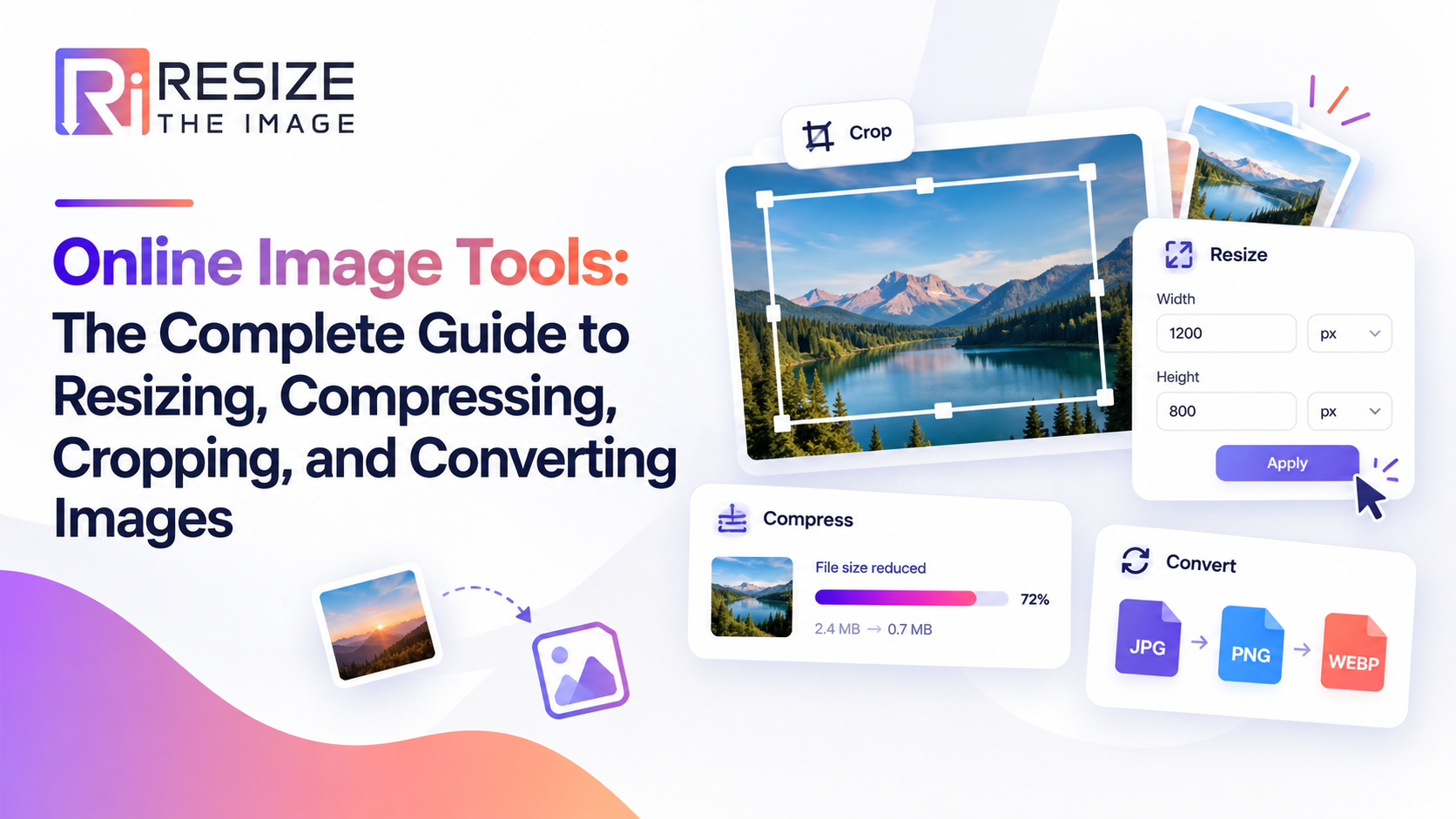
Resize The Image is an online image toolkit designed to help users resize, compress, crop, enlarge, and convert images for different purposes. Whether you need to resize a photo for social media, reduce an image's file size for a website, or convert JPG to PNG, online image tools make these tasks simple and convenient.
With browser-based tools, users can optimize images without installing complicated software. Understanding which tool to use can help you save time and prepare images for websites, digital platforms, and everyday projects.
What Are Online Image Tools?
Online image tools are web-based applications that allow users to edit and optimize images directly through a browser. They help perform common image-processing tasks, including resizing, cropping, compression, enlargement, and format conversion.
Unlike traditional desktop editing software, many online image tools are designed for quick, task-specific operations. They are useful for students, designers, marketers, bloggers, business owners, photographers, and website administrators.
For example, if an image is too large for a website, you can use an image resizer to adjust its dimensions. If the file takes too long to upload, an image compressor can help reduce its file size.
What Are the Most Useful Online Image Tools?
The most useful online image tools depend on the task you want to complete. Here are the essential tools for everyday image optimization.
1. Image Resizer: Change Image Dimensions
An image resizer changes an image's width and height to match specific requirements. It is particularly useful when preparing images for websites, social media posts, online forms, presentations, and e-commerce product listings.
For example, a large photograph may need smaller dimensions before it can be uploaded to a website. Using an online image resizer helps you prepare the image for the intended space.
When should you use an image resizer?
To adjust image dimensions for websites.
To prepare photographs for social media.
To meet image upload requirements.
To create consistent product images.
To reduce dimensions for easier handling.
Resize The Image offers an online image resizing solution that helps users prepare images for different digital applications.
2. Image Compressor: Reduce File Size
An image compressor reduces an image's file size, making it easier to upload, share, and store. Image compression is particularly valuable for websites because large image files can contribute to slower page loading.
There are two common types of compression: lossy and lossless. Lossy compression reduces file size by removing some image information, while lossless compression reduces size without discarding image data, where supported by the format and tool.
Why is image compression important for SEO?
Compressed images can help reduce the amount of data a browser needs to download. This may improve loading speed and contribute to a better user experience. However, website performance also depends on hosting, caching, code, and other technical factors.
Use the Compress Image tool to prepare smaller image files for websites, blogs, and online sharing.
3. Image Cropper: Remove Unwanted Areas
An image cropping tool lets you remove unwanted portions of a photograph and focus attention on the main subject. Cropping is useful for profile pictures, product photography, promotional graphics, and blog thumbnails.
For example, if a photograph contains unnecessary background space, cropping can make the subject more prominent without requiring advanced editing skills.
Cropping and resizing are different processes. Cropping removes part of the image, while resizing changes the overall dimensions. Depending on your requirements, you may need one or both operations.
4. Image Enlarger: Increase Image Dimensions
An image enlarger helps increase the dimensions of a smaller image. This can be useful when preparing photographs for larger displays, presentations, or specific design requirements.
However, enlarging an image does not automatically restore missing details. Results depend on the original resolution and the enlargement method used. For the best outcome, begin with the highest-quality source image available.
Explore the Image Enlarger tool to prepare images for larger display requirements.
5. Image Converter: Change Image Formats
An image converter changes a file from one image format to another. Common formats include JPG, PNG, WebP, and SVG, each serving different purposes.
JPG: Suitable for photographs and general-purpose images.
PNG: Useful for graphics that require transparency.
WebP: Supports efficient compression for many web images.
SVG: A vector format suited to logos, icons, and scalable illustrations.
For example, converting JPG to PNG may be helpful when a workflow requires PNG compatibility. Converting suitable images to WebP can help reduce file sizes for website delivery.
Remember that changing a file extension alone does not convert its format. Use a proper image conversion tool to process the file correctly.
How Do Online Image Tools Help Website SEO?
Online image tools can support website optimization by helping website owners prepare appropriately sized and compressed images. Images that are unnecessarily large can increase page weight and affect loading performance, particularly on mobile connections.
To optimize images for SEO, follow these practices:
1. Choose appropriate dimensions. Match image dimensions to the space where the image will appear.
2. Compress images carefully. Reduce file size while maintaining acceptable visual quality.
3. Select suitable formats. Use formats that meet your image's quality, transparency, animation, and compatibility requirements.
4. Write descriptive alt text. Explain the image's purpose naturally for accessibility and search engines.
5. Use descriptive filenames. A filename such as online-image-resizer.jpg is more informative than IMG1234.jpg.
6. Avoid unnecessary enlargement. Enlarging a small image can make it appear blurry or pixelated.
These practices can improve image usability and contribute to a stronger overall SEO strategy. They do not guarantee higher rankings, but they help create a more accessible and performance-conscious website.
How to Use Resize The Image Online
Using an online image tool is generally straightforward. Follow these steps:
Open Resize The Image.
Choose the appropriate tool, such as Image Resizer, Compress Image, Crop Image, Image Enlarger, or Image Converter.
Upload the image you want to process.
Adjust the available settings according to your requirements.
Process the image and review the result.
Download the processed file if the tool provides a download option.
Choose the tool based on your specific objective instead of applying every operation to every image. For example, resizing may be enough when dimensions are the only problem, while compression is more appropriate when file size is the main concern.
Who Can Benefit from Online Image Editing Tools?
Online image tools are useful for a wide range of users.
Digital marketers: Prepare campaign creatives, social media graphics, and advertising images.
Website owners and bloggers: Optimize article images, featured images, and website visuals.
E-commerce businesses: Standardize product image dimensions and prepare images for online listings.
Students and professionals: Adjust photographs for presentations, assignments, and digital documents.
Designers and content creators: Crop, resize, convert, and prepare images for different publishing platforms.
By bringing common image-processing tasks together, an all-in-one toolkit can simplify everyday workflows and reduce the need to switch between multiple applications.
Frequently Asked Questions About Online Image Tools
What is the best online tool for resizing images?
The best online image resizer is one that offers the dimensions you need, produces acceptable image quality, and provides a straightforward workflow. Resize The Image is an option for users who want browser-based image resizing alongside other image-processing tools.
Can I resize an image without losing quality?
Yes, you can often resize an image while maintaining good visual quality, especially when reducing its dimensions. However, reducing dimensions removes image information, and enlarging a small image may introduce blur or pixelation.
What is the difference between resizing and compressing an image?
Resizing changes an image's width and height, while compression reduces the amount of data needed to store the image. An image can be compressed without changing its dimensions, or resized without substantial compression.
Which image format is best for websites?
There is no single best format for every image. WebP is often a useful choice for web photography and graphics, JPG works well for photographs, PNG is suitable when transparency is required, and SVG is useful for scalable vector graphics.
Are online image tools useful for SEO?
Yes. Image tools can help prepare appropriately sized images, reduce file sizes, and convert images to suitable formats. These improvements may support page performance and user experience, which are important considerations in website SEO.
Can I use online image tools without installing software?
Many browser-based image tools work without installing desktop software. Before uploading sensitive or confidential images, review the tool's privacy policy and understand how uploaded files are handled.
Conclusion
Online image tools make it easier to prepare images for websites, social media, e-commerce platforms, and professional projects. From resizing dimensions and reducing file size to cropping photographs and converting image formats, the right tool helps you complete everyday tasks more efficiently.
Resize The Image brings essential image-processing capabilities together in one online toolkit, helping users select tools according to their image requirements.
Whether you are optimizing website images, preparing social media graphics, or converting files for a project, choosing the correct image tool is an important step toward better image quality and a more efficient workflow.